

In an age where connectivity is everything, the ability to perform critical tasks without relying on an internet connection is a significant advantage. Enter SpeechPulse, a cutting-edge offline dictation software designed for Windows 10/11 PCs and Apple silicon Macs. This powerful tool brings efficiency and versatility to a wide range of users, from writers and teachers to business professionals, offering seamless speech-to-text capabilities without the need for internet access.
Seamless Integration with Your Apps
One of the standout features of SpeechPulse is its compatibility with virtually any application that accepts text input. Whether you’re drafting a document in a text editor, composing an email in a web browser, or working on a presentation in an office application, SpeechPulse integrates effortlessly. This flexibility means you can dictate your thoughts and have them transcribed directly into your preferred software, saving time and reducing the hassle of switching between different tools.
SpeechPulse supports real-time speech recognition, allowing users to see their words appear instantly as they speak. This real-time capability is enhanced by the software’s ability to utilize multi-core CPUs and GPUs, ensuring fast and accurate transcription. The result is a smooth and efficient dictation experience that keeps up with your pace, no matter how fast you talk.
Offline Functionality for Uninterrupted Productivity
A key advantage of SpeechPulse is its offline functionality. Unlike many dictation tools that require constant internet connectivity, SpeechPulse operates entirely offline. This is particularly beneficial for users who work in environments with limited or unreliable internet access. By leveraging the processing power of your device’s CPU or GPU, SpeechPulse ensures that you can continue working uninterrupted, regardless of your internet connection.
This offline capability also enhances privacy and security, as your spoken words and transcriptions never leave your device. This makes SpeechPulse an ideal choice for professionals handling sensitive information who need to ensure that their data remains confidential.
Multi-Language Support and Advanced Features
SpeechPulse is powered by Whisper AI models, supporting multiple languages, including English, French, Spanish, Italian, German, Japanese, Chinese, and Russian. This multi-language capability makes it an invaluable tool for users across the globe, allowing them to dictate in their native language with high accuracy.
The software offers both automatic and manual punctuation modes, giving users the flexibility to choose their preferred method. In manual mode, you can dictate punctuation marks as you speak, ensuring your transcriptions are formatted exactly as you intend. Additionally, SpeechPulse can automatically start the transcription process once you finish dictating, eliminating the need to press any keys and streamlining your workflow.
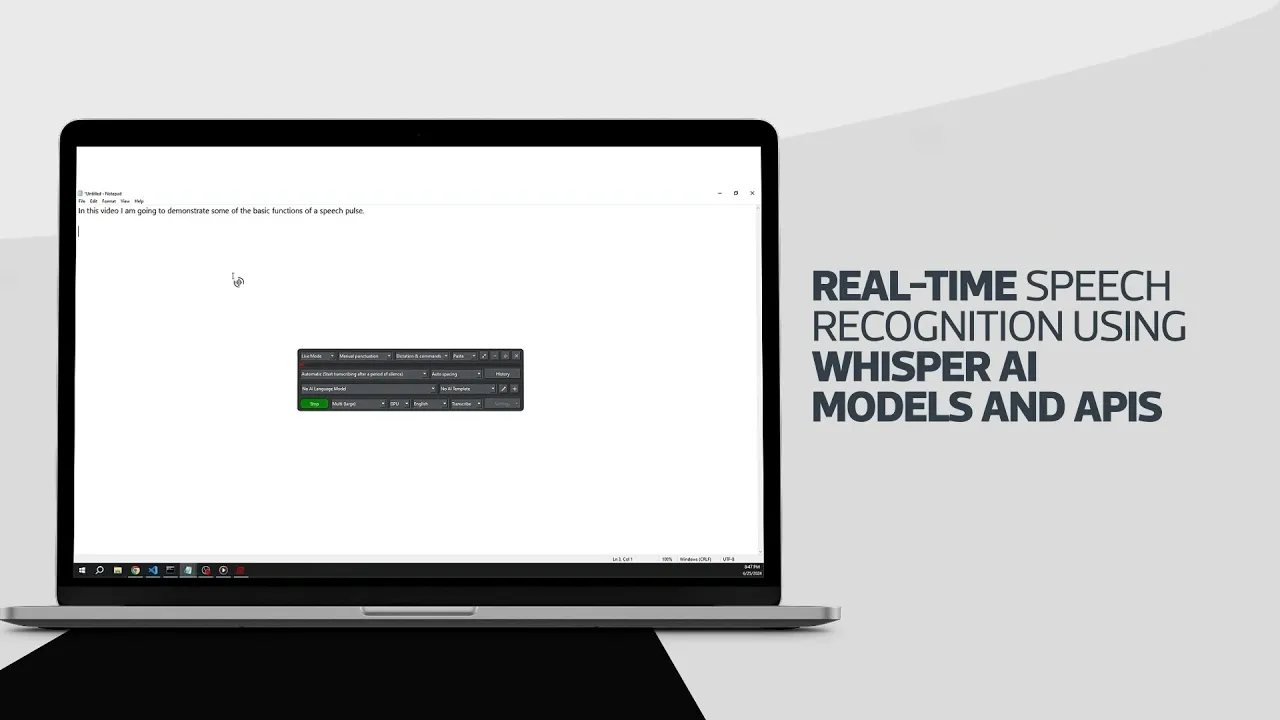

Versatile Input and AI-Enhanced Templates
SpeechPulse supports push-to-talk speech input using customizable hotkeys, allowing you to pause and resume dictation effortlessly. This feature is particularly useful during meetings or lectures when you need to capture only specific parts of the conversation.
The software also includes AI templates for grammar, spelling, and punctuation correction. These offline AI language models can summarize text, format it for emails or notes, and ensure your transcriptions are polished and professional. This added layer of intelligence helps improve the quality of your work, making SpeechPulse not just a transcription tool but a comprehensive writing assistant.
Advanced Transcription and Subtitle Generation
For those who need to transcribe or translate audio files, SpeechPulse offers robust file mode capabilities with automatic speaker diarization. It supports most audio file formats, including mp3, wav, m4a, flac, ogg, and webm. This feature is invaluable for journalists, researchers, and anyone who needs to process recorded conversations or interviews.
Additionally, SpeechPulse can generate subtitles for audio and video files with precise timestamps. Supporting .srt and .vtt subtitle formats, this feature is ideal for content creators, educators, and professionals who produce multimedia content. Accurate subtitles enhance accessibility and engagement, making your content more inclusive and widely understandable.
Experience the Power of SpeechPulse
SpeechPulse stands out as a comprehensive and reliable offline dictation solution that caters to a diverse range of users. Its seamless integration with various applications, robust offline functionality, multi-language support, and advanced features make it an indispensable tool for enhancing productivity and ensuring privacy. With a 30-day free trial and a one-time purchase model, SpeechPulse offers both flexibility and value, making it a worthy investment for anyone looking to streamline their dictation and transcription tasks.
Discover the transformative power of SpeechPulse and take your productivity to new heights. Whether you’re a writer, teacher, business professional, or content creator, SpeechPulse is designed to meet your needs and exceed your expectations. Follow SpeechPulse on X @speechpulse to learn more and start your free trial today.